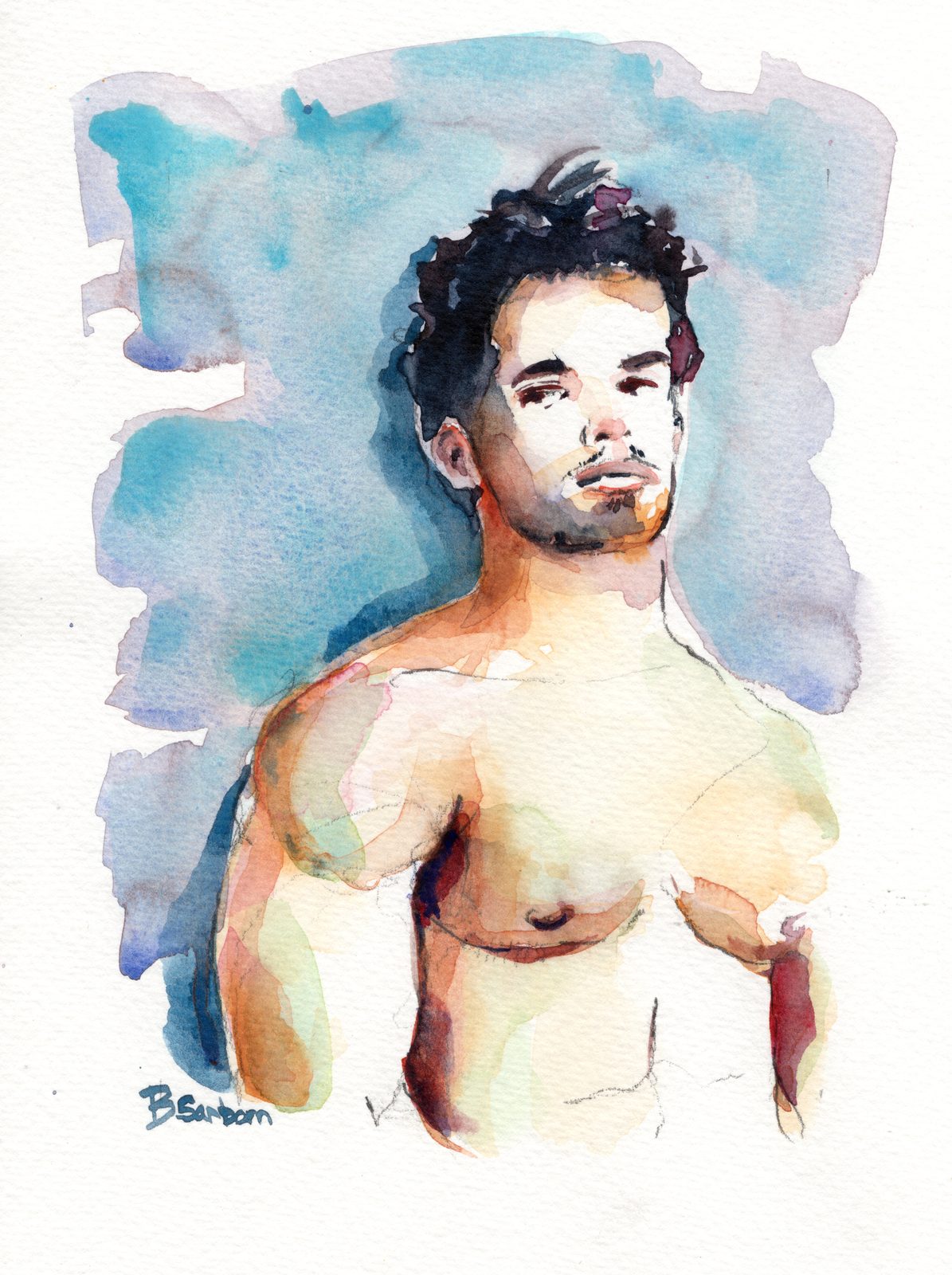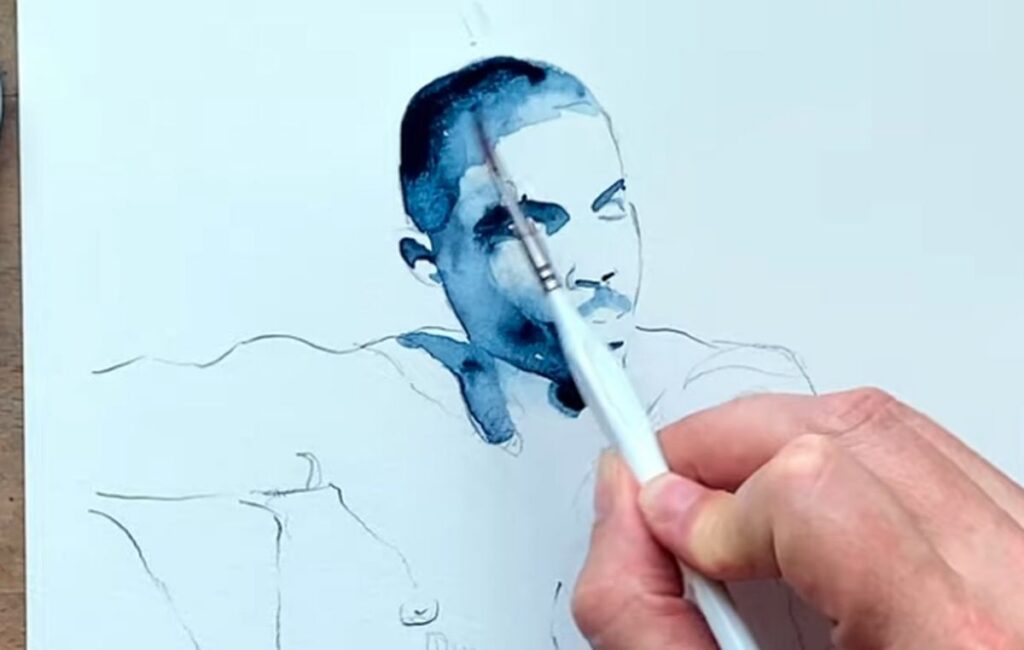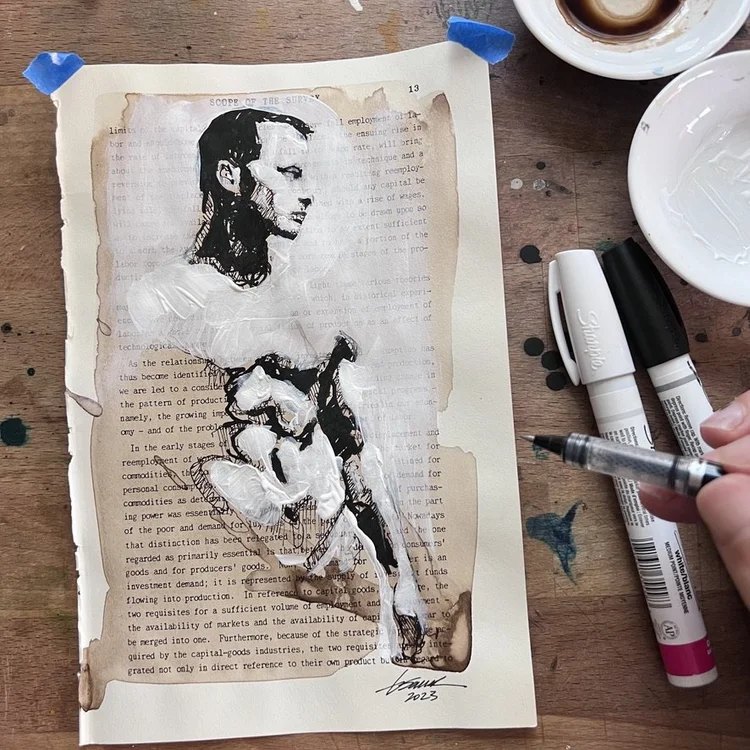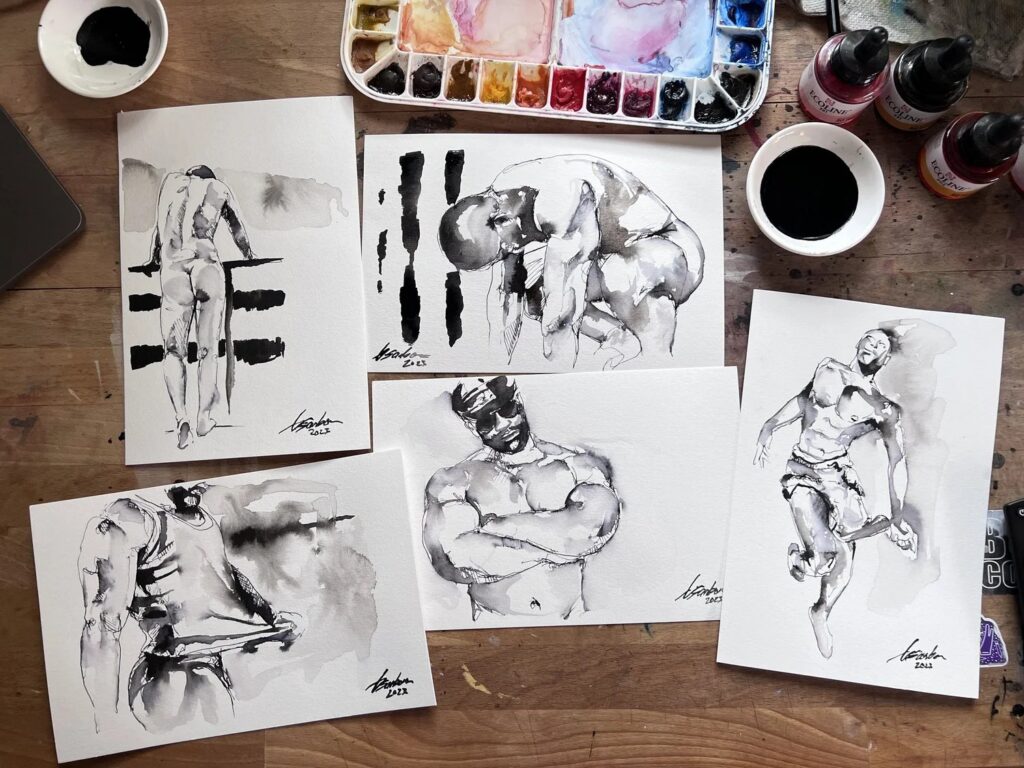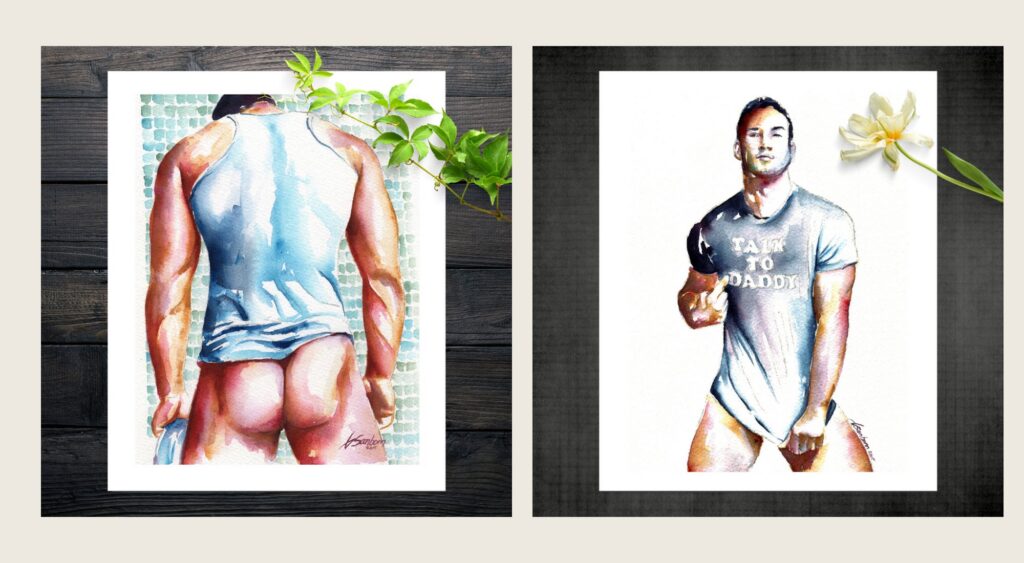

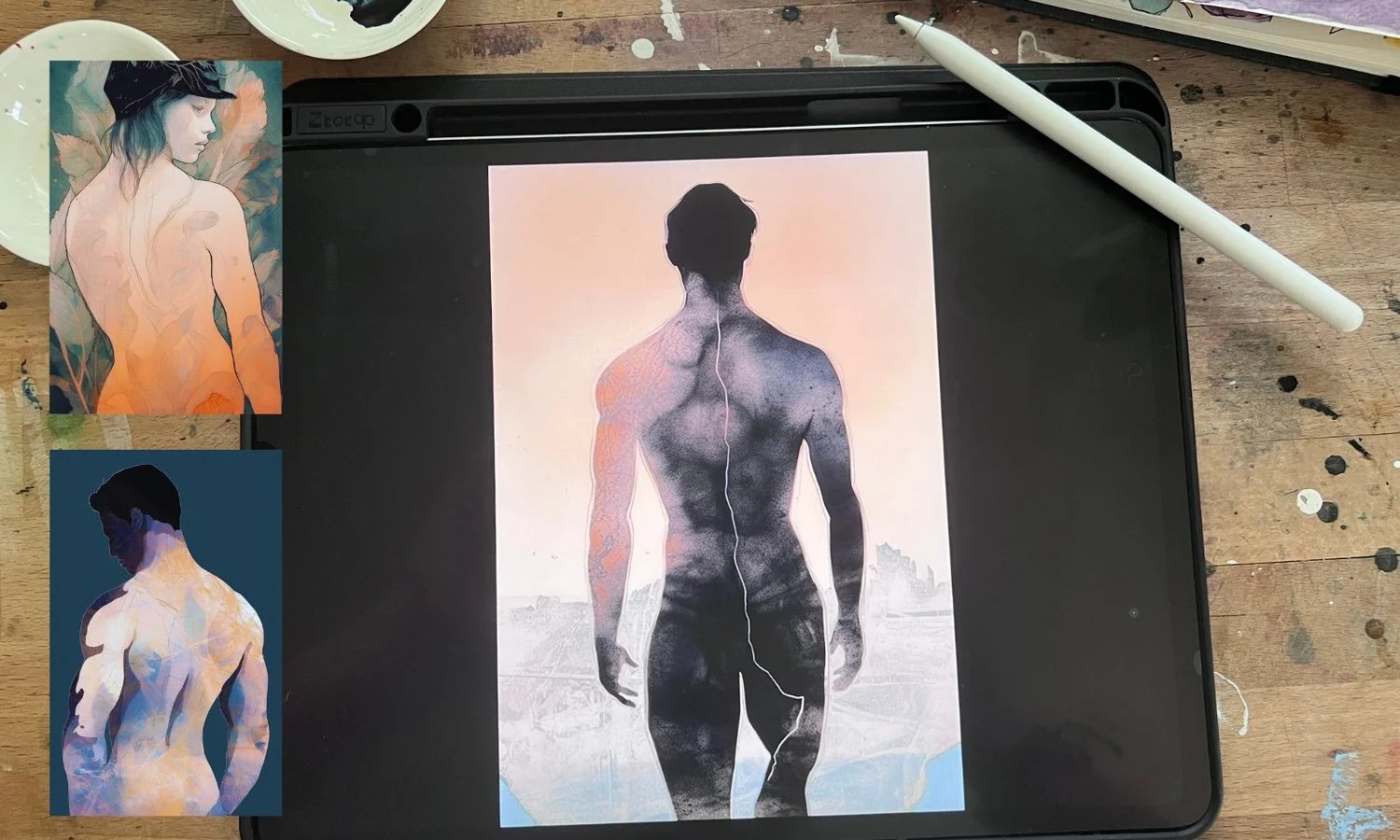
I’m a watercolor painter at heart. I write everything by hand, I paint on the floor, and I like my tools to leave a mark on my fingers. So nobody was more surprised than me when I started painting on an iPad.
How it started
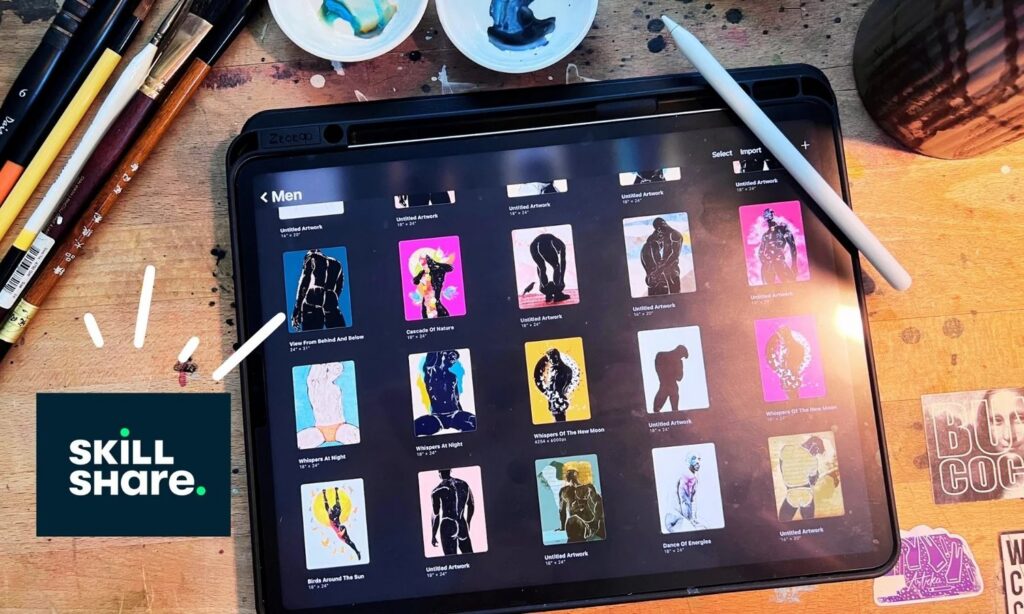
During the pandemic I signed up for Skillshare to learn a few things about social media. I kept getting pulled toward the Procreate classes instead. My iPad Pro had mostly been for late night Netflix, so I picked up an Apple Pencil and gave it a try.
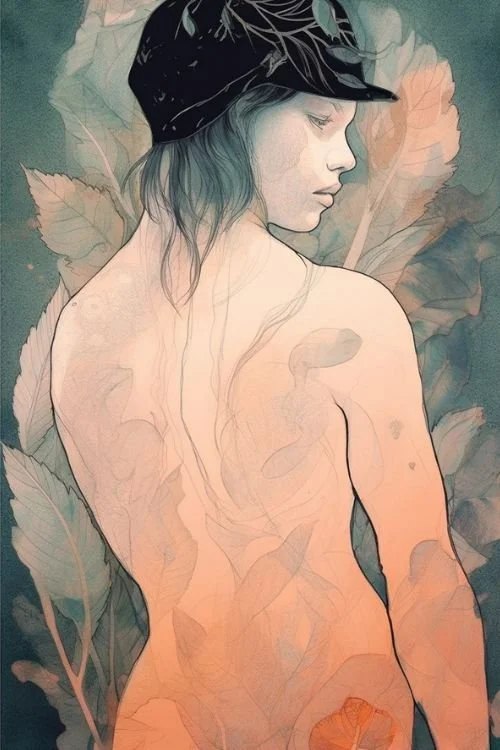
It felt wrong at first
Everything looked too clean. Too perfect. Watercolor is all about the accidents, the way pigment settles into the paper and the edges bloom where you didn’t plan them. The digital version felt flat next to that, and I almost quit.
Making my own brushes
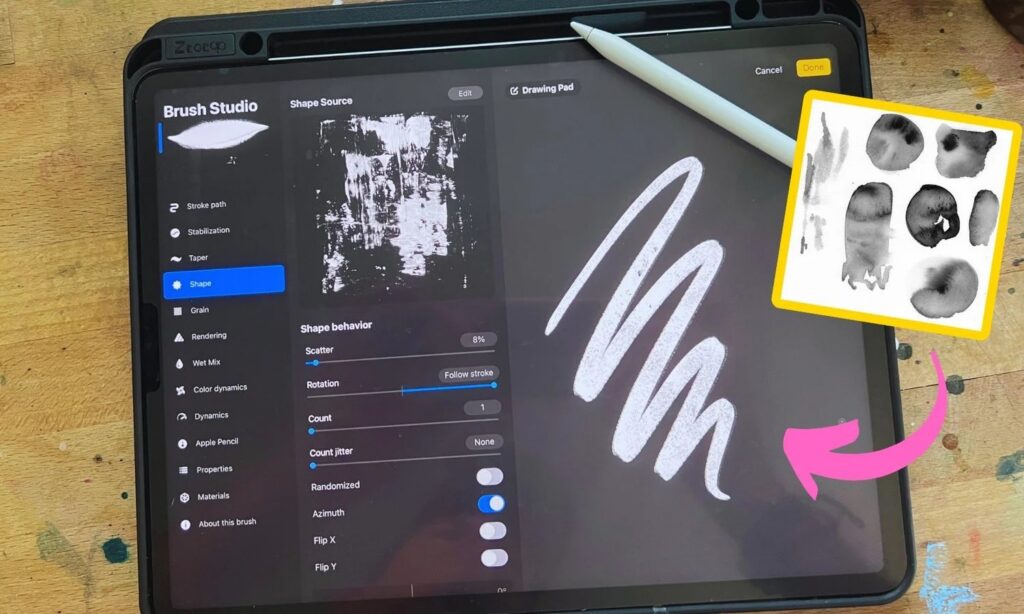
What changed it was making my own brushes. I scanned real watercolor strokes from my studio and turned them into Procreate brushes. It took a lot of trial and error, and more patience than I knew I had. But once they worked, the paintings finally felt like mine. Less like pixels and more like paint.
Where it fits now
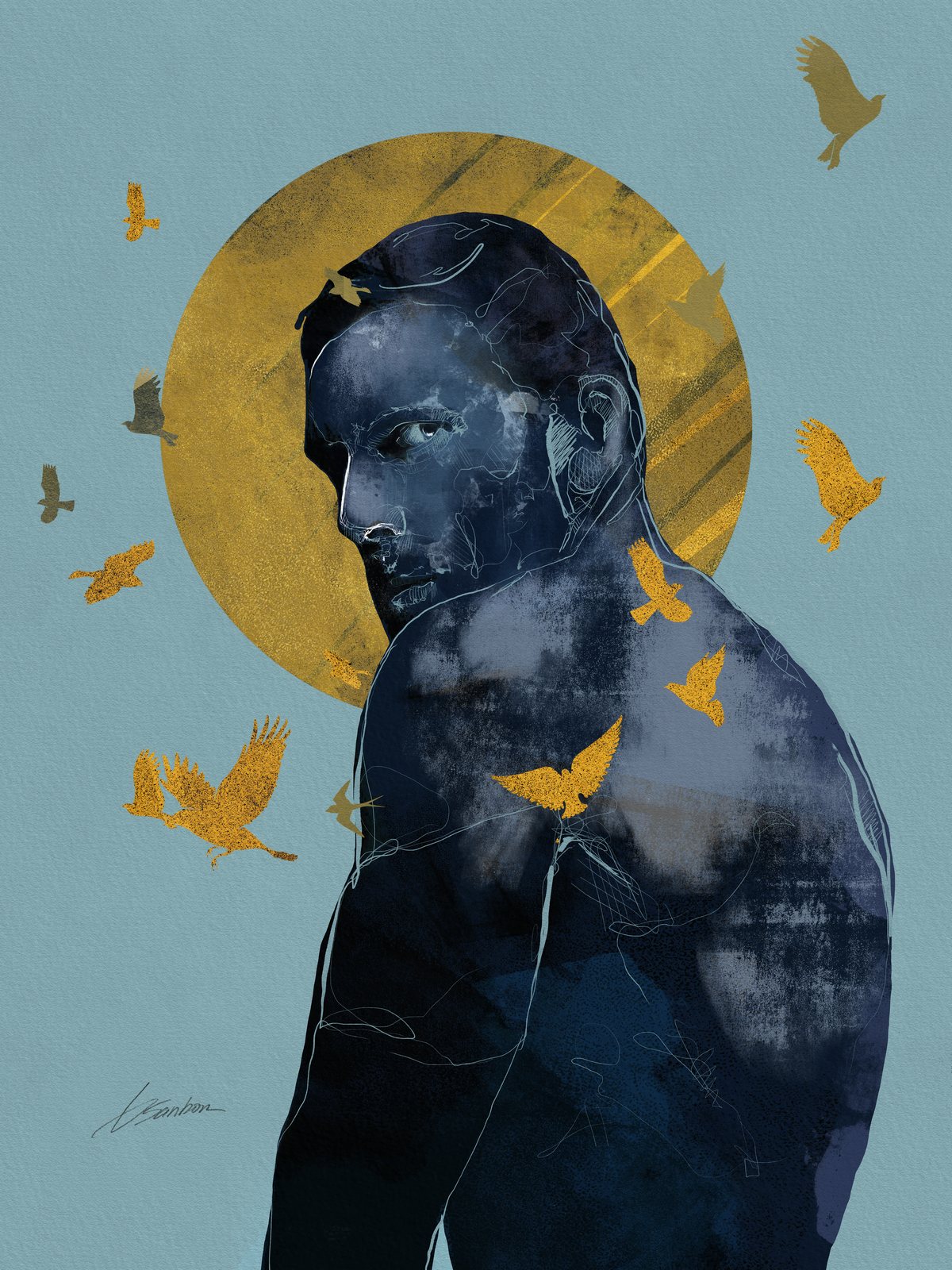
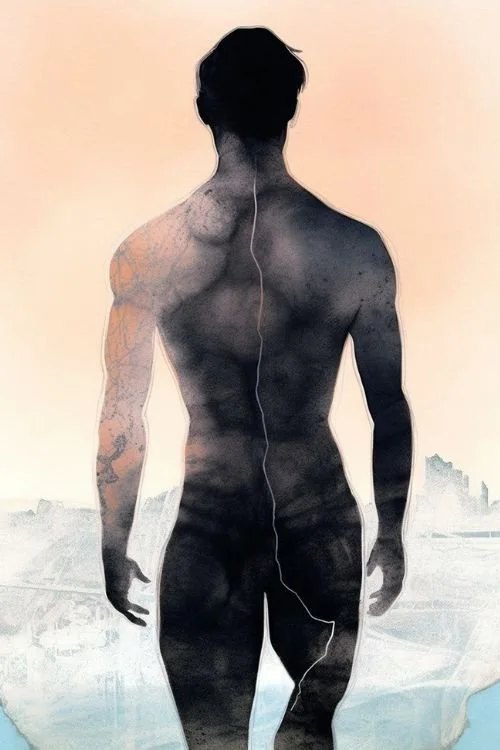
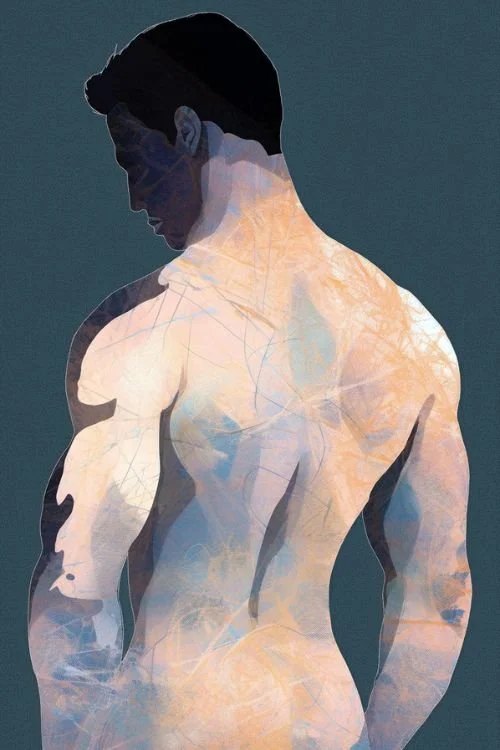
My heart is still with real paper and real pigment. But the iPad has earned its spot. It’s great for sketching ideas, for days I don’t want to set up the whole studio, and for long flights. And it led to a whole body of work: my Shadows collection started right there on that screen.
If you’re curious about trying it, Skillshare is where I learned. That’s a referral link, so I may earn a little if you sign up, at no cost to you.
Being a late starter at something new is fine. I move at my own pace, and it got me here.